Choose the right format
PDF is the reference format: it locks the layout, images and fonts. Export as PDF/X-4 when your software offers it, with embedded fonts and high definition images.
Native files (AI, INDD) are accepted when links and fonts are supplied. JPG and PNG are fine for a single image, never for a multi-page document.
- PDF/X-4: safest for print.
- AI or INDD: accepted with links and fonts.
- JPG/PNG: single image at maximum quality.
Work in CMYK, not RGB
Screens display in RGB, presses print in CMYK. Converting artwork from RGB to CMYK at the last minute shifts colours: bright blues and neon greens turn dull.
Design directly in CMYK and check black: body text should stay at 100% black, a large area can use rich black (60/40/40/100). For an exact brand colour, give a Pantone reference.
Add a bleed
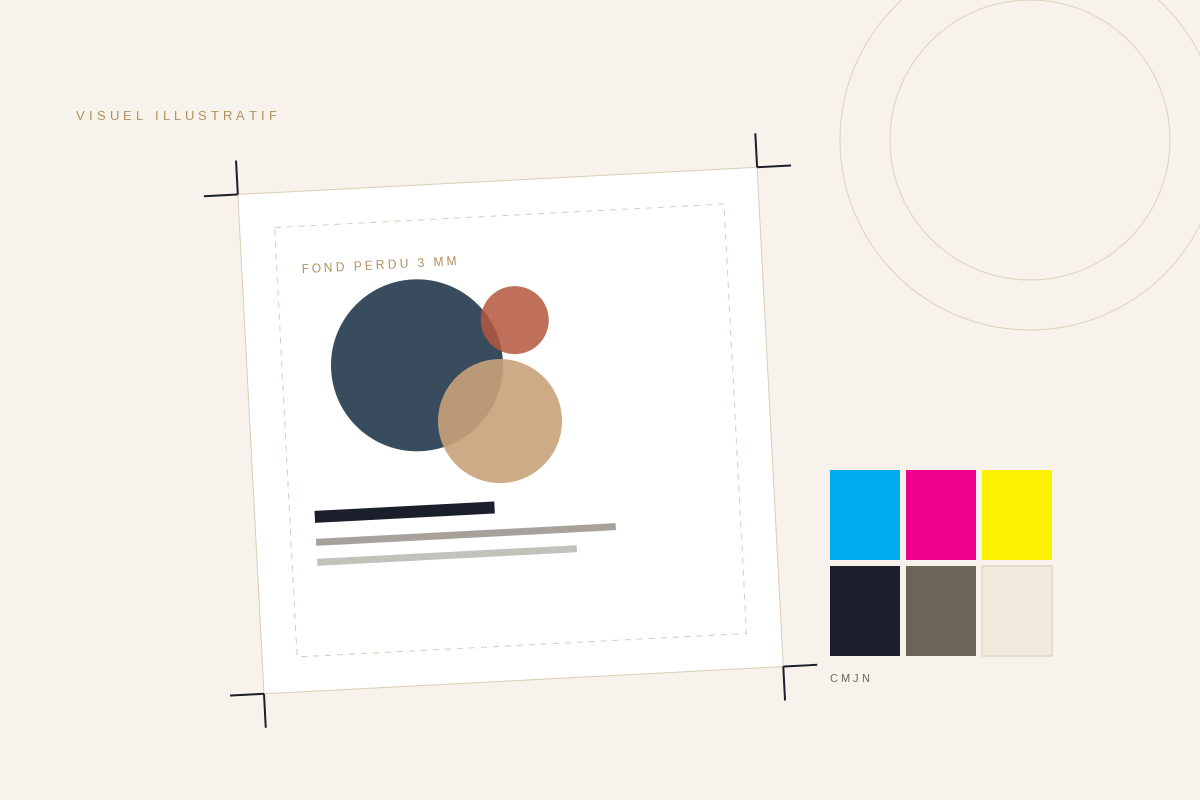
Bleed is the printed area beyond the final format, trimmed after printing. Without it, the slightest cutting error leaves a white sliver on the edges.
The usual rule is 3 mm of bleed and 3 to 5 mm of safety margin: no text or logo should come closer than 5 mm to the edge.
- Bleed: 3 mm on all four sides.
- Safety margin: 5 mm for text.
- Crop marks: place them on a separate layer.
Set resolution according to the medium
300 dpi is the reference for a document read at 30 cm. For a poster viewed from one metre, 150 dpi is enough. For a banner seen from ten metres, 72 dpi remains acceptable.
Upsampling a low resolution image does not create detail: it only makes the file heavier. A correctly shot photo is better than a reworked file.
- Cards, flyers, brochures: 300 dpi.
- A2 posters and larger: 150 dpi.
- Large format: 72 to 100 dpi at final size.
The checklist before sending
Run these five checks before sending us your file: spelling proofread on paper or PDF, fonts embedded, images linked at high resolution, bleed present, colours in CMYK.
We always check the file and send a proof. Any doubt about a gradient or a dark photo is settled on the proof, not after production.
- Spelling and contact details checked.
- Fonts embedded.
- Images high resolution and linked.
- 3 mm bleed.
- CMYK and correct black.
Unsure about your file? Send it to us: we check it and tell you what to fix before printing.